

Check Firmware Version
1
Login to the WBM
Login to the WBM
Login to the Web-Based Management (WBM) interface of the Power Platform controller.
2
Navigate to the Device Tab
Navigate to the Device tab in the left navigation plane and select General Data.
3
Check Firmware Version
Check the current firmware version and upgrade to the 2025.0 version if needed.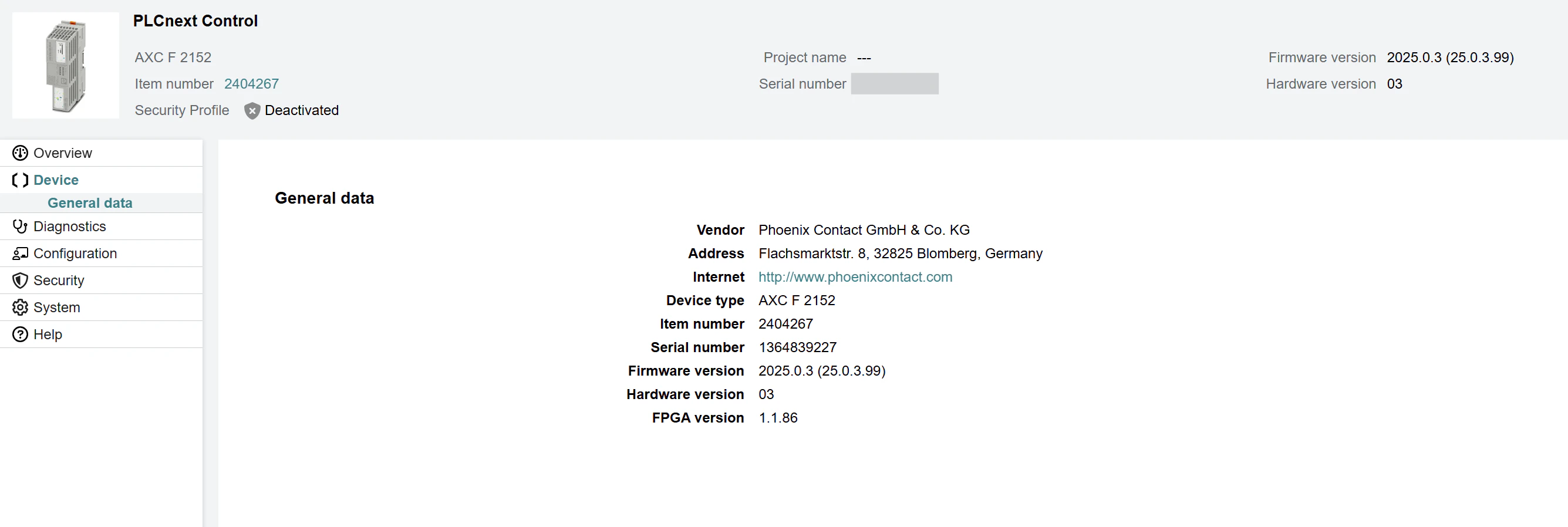
Upgrade Firmware
There are two possible ways to upgrade the firmware of the Power Platform controller. One way is to use the Web-Based Management (WBM) interface and the other way is to use a Shell session. Regardless of the two options to update the firmware version of the controller, you first need to download the firmware from the Phoenix Contact website. For that:Download Firmware
Download the firmware from the Phoenix Contact website.
- Under Firmware, open the Version 2025.0 plane and click on
AXC_F_2152_FW_2025_0.zipto start the download. - Extract the ZIP file on your local computer.
Through WBM (recommended)
1
Navigate to the System Tab
Navigate to the System tab in the left navigation plane and select Update.
2
Update Firmware
For the Firmware, click on the Update button.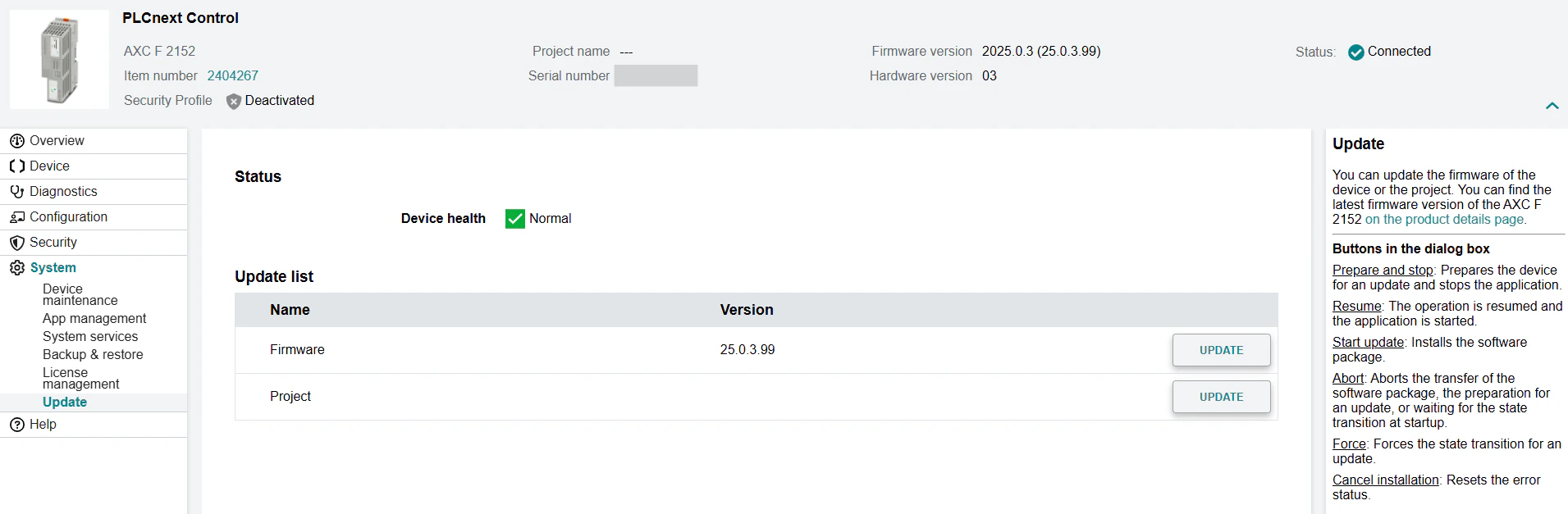
3
Prepare and Stop
Click the Prepare and Stop button. This will stop the application and allows you to upgrade the firmware safely.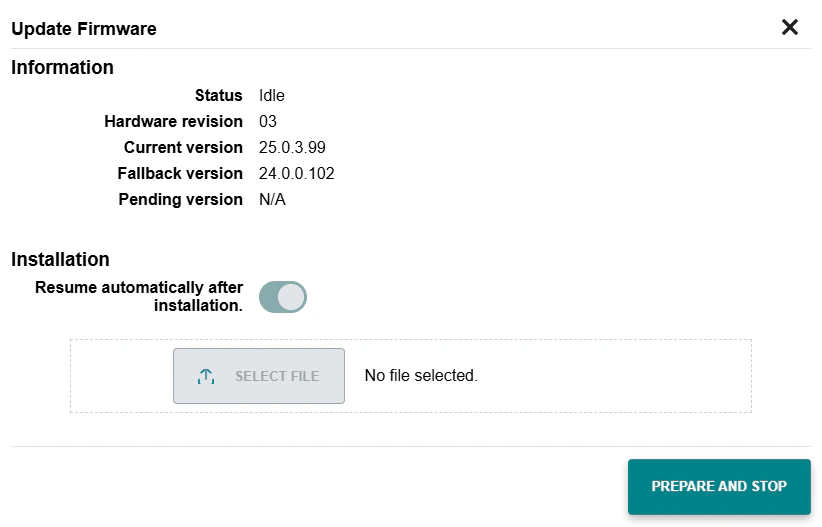
4
Upload raucb File
Click on Select File and upload the
.raucb file from the extracted ZIP folder.5
Start Update
Click on Start Update to start the update process. This process can take up to 2-3 minutes. The controller will automatically reboot after the update is complete.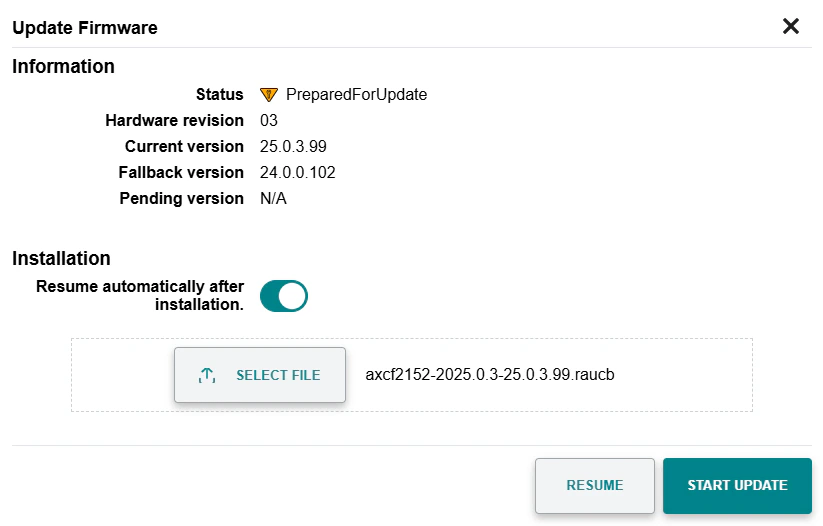
Through Shell Session
1
Copy Firmware File
Copy the Alternatively, use an FTP (File Transfer Protocol) software such as FileZilla to copy or move the
axcf2152-2025.0.3-25.0.3.99.raucb file from the extracted ZIP archive to the controller using SCP (Secure Copy Protocol):.raucb file to the controller.2
Open Shell Session
Open a shell session:Enter the default password (printed on the housing of the controller).
3
Stop Controller Runtime
4
Install Firmware
5
Reboot Controller